
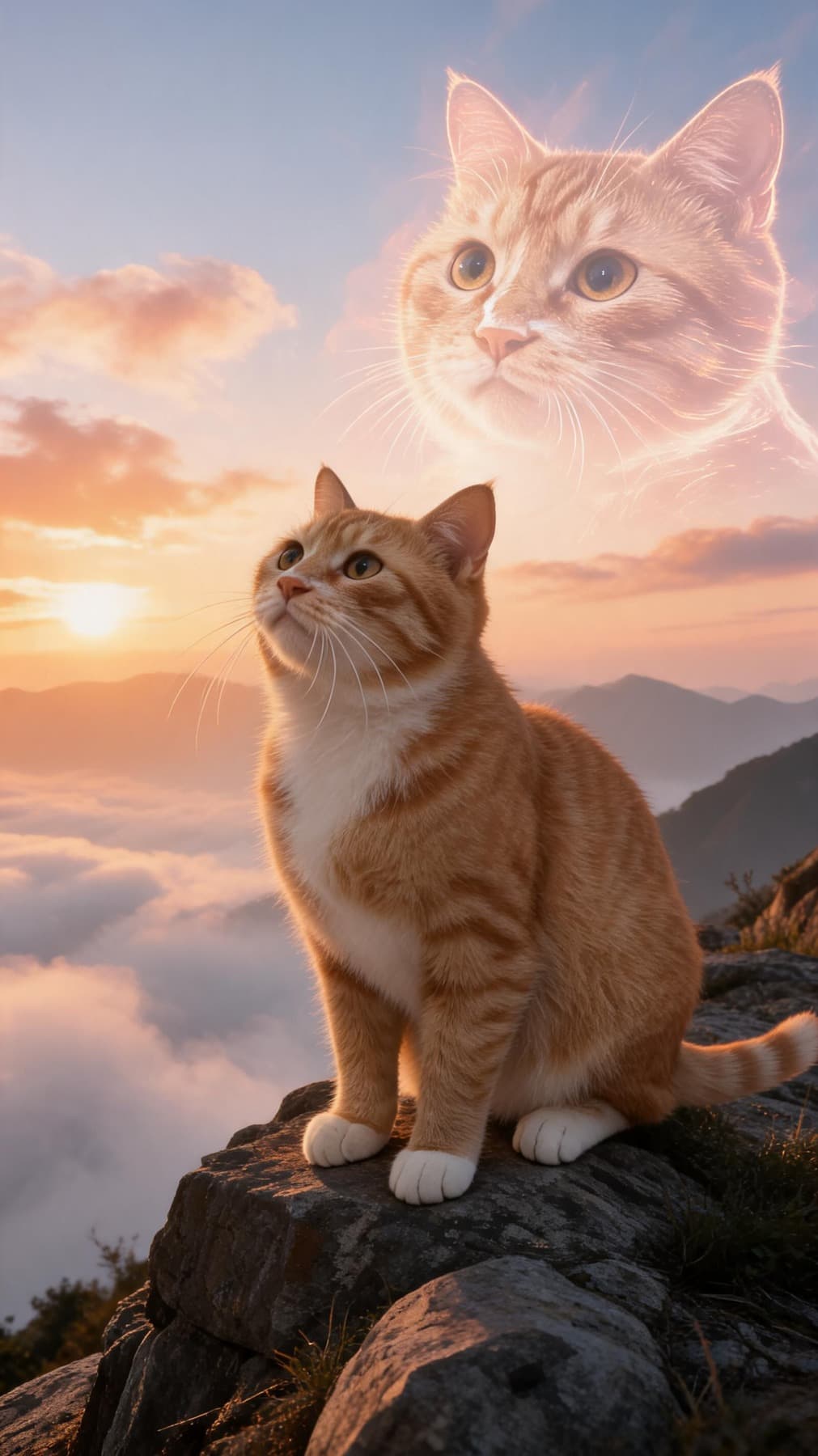
AI Pet Portrait Generator from Photo: What Makes a Result Feel Real?
Most people do not want a random AI picture of a dog or cat. They want a portrait that still feels like their pet: the same eyes, the same coat pattern, the same little expression that makes everyone in the family say, "yes, that is them."
That is the real promise of an AI pet portrait generator from photo. The uploaded image is not just decoration. It is the anchor that keeps the portrait personal while the style, background, outfit, and mood change around it.
Start with a photo that shows personality
The best reference photo is usually not the most professional one. A clean phone photo can work beautifully if the face is sharp, the eyes are visible, and the pet is not hidden under heavy shadows.
For dogs, a front-facing sitting photo often creates the strongest result. For cats, a calm half-body photo with good eye contact usually works better than a curled sleeping pose. If the portrait is meant to be a gift, choose the photo that the owner already loves, not only the technically perfect shot.
Good reference photos usually have:
- Natural light or soft indoor light
- A clear face and visible ears
- Coat color that is not washed out
- Minimal motion blur
- One main pet in the frame
If you only have casual snapshots, that is fine. Try two or three different uploads and compare which one keeps the pet's face most recognizable.
Pick a style for the real use case
The strongest portraits have a purpose. A royal oil painting feels right for a framed wall print. A birthday scene works for a card, party invitation, or social post. A soft studio portrait can become a phone wallpaper or profile image.
Before choosing a template, ask where the portrait will live:
- Wall print: royal, classic oil, studio, or museum portrait
- Gift message: birthday, holiday, floral, or cozy home style
- Social media: cinematic, fantasy, cartoon, or playful fashion
- Memorial keepsake: soft light, neutral background, elegant composition
This keeps the result from feeling like a novelty filter. It becomes a small designed object with a place in real life.
Use AI for the scene, not for replacing the pet
A good AI pet portrait should change the world around the pet more than it changes the pet. The outfit can be more dramatic. The background can be a castle, garden, studio, or birthday table. The lighting can look editorial. But the face should still feel familiar.
That is why Petpaw Portrait focuses on reference-photo generation. You upload your pet first, then choose the scene. Free previews help you test a direction with a watermark. Paid credits are for downloading high-resolution, watermark-free results when you know which style is worth keeping.
If you already know which animal you are working with, the dedicated dog portrait generator and cat portrait generator ship with style templates tuned for each species. If you want a single polished result from one shot, the custom pet portrait from photo flow is the most direct path.
A simple workflow
- Upload one clear photo of your pet.
- Choose a template that matches the final use: gift, print, profile, or keepsake.
- Generate a preview and check the eyes, nose, markings, and expression.
- Try another reference photo if the result feels less like your pet.
- Download the watermark-free version when the portrait feels right.
AI is fast, but a good portrait still comes from taste. The photo matters. The style matters. Most importantly, the final image should feel like a version of your pet that could belong on a wall, in a message, or in a memory box.