Profile pictures
Create polished pet avatars for social profiles, lock screens, group chats, and announcement posts.
Turn everyday dog and cat photos into polished portrait sets without writing prompts. Upload 1 to 3 reference photos, choose a template, and generate pet artwork for gifts, profile pictures, keepsakes, and wall art.
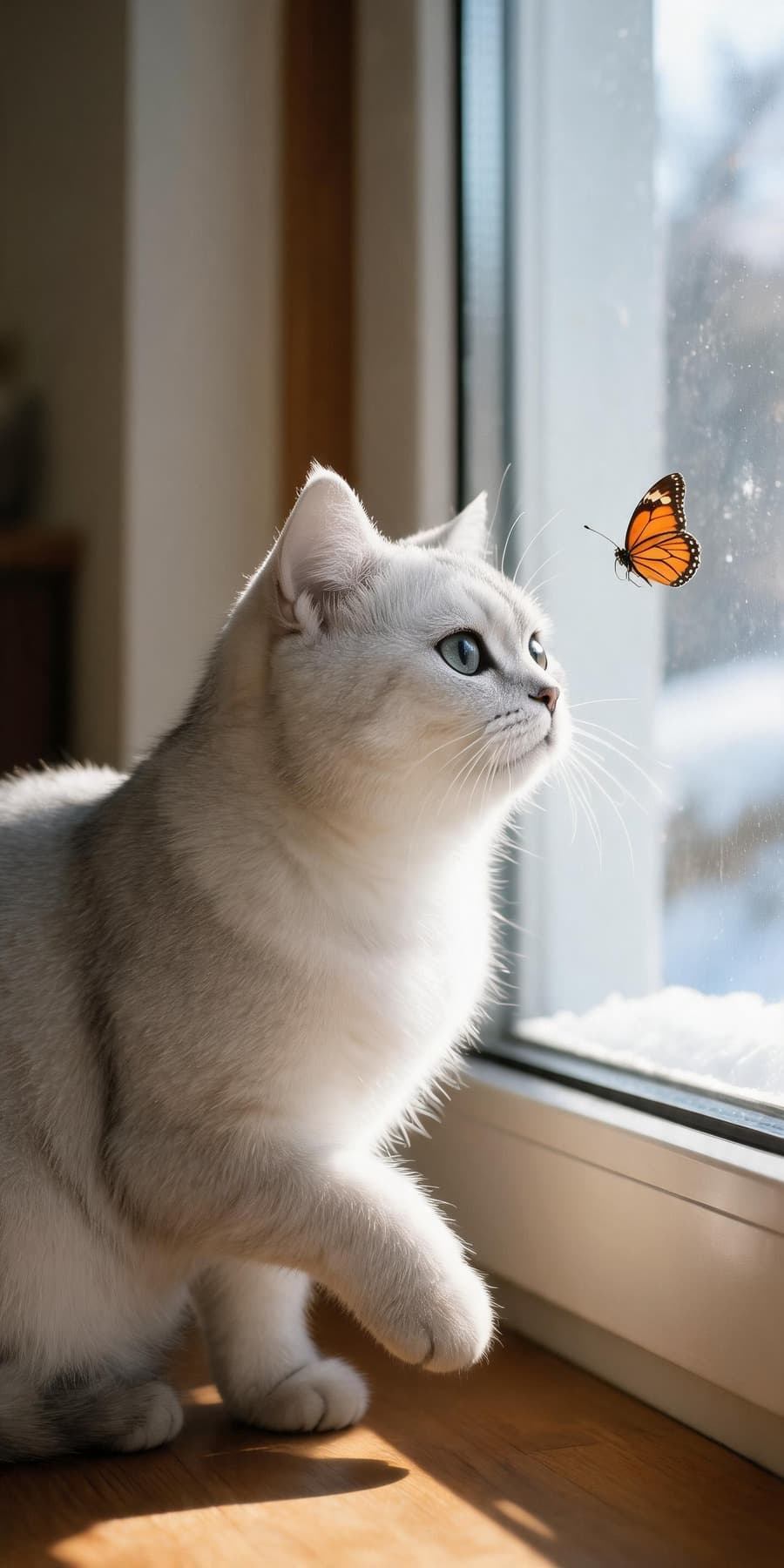
Built for dog and cat photos, gift ideas, avatars, memorial keepsakes, and social sharing.
Use clear pet photos as references, then test portrait templates that preserve recognizable features while changing the setting, lighting, and mood.
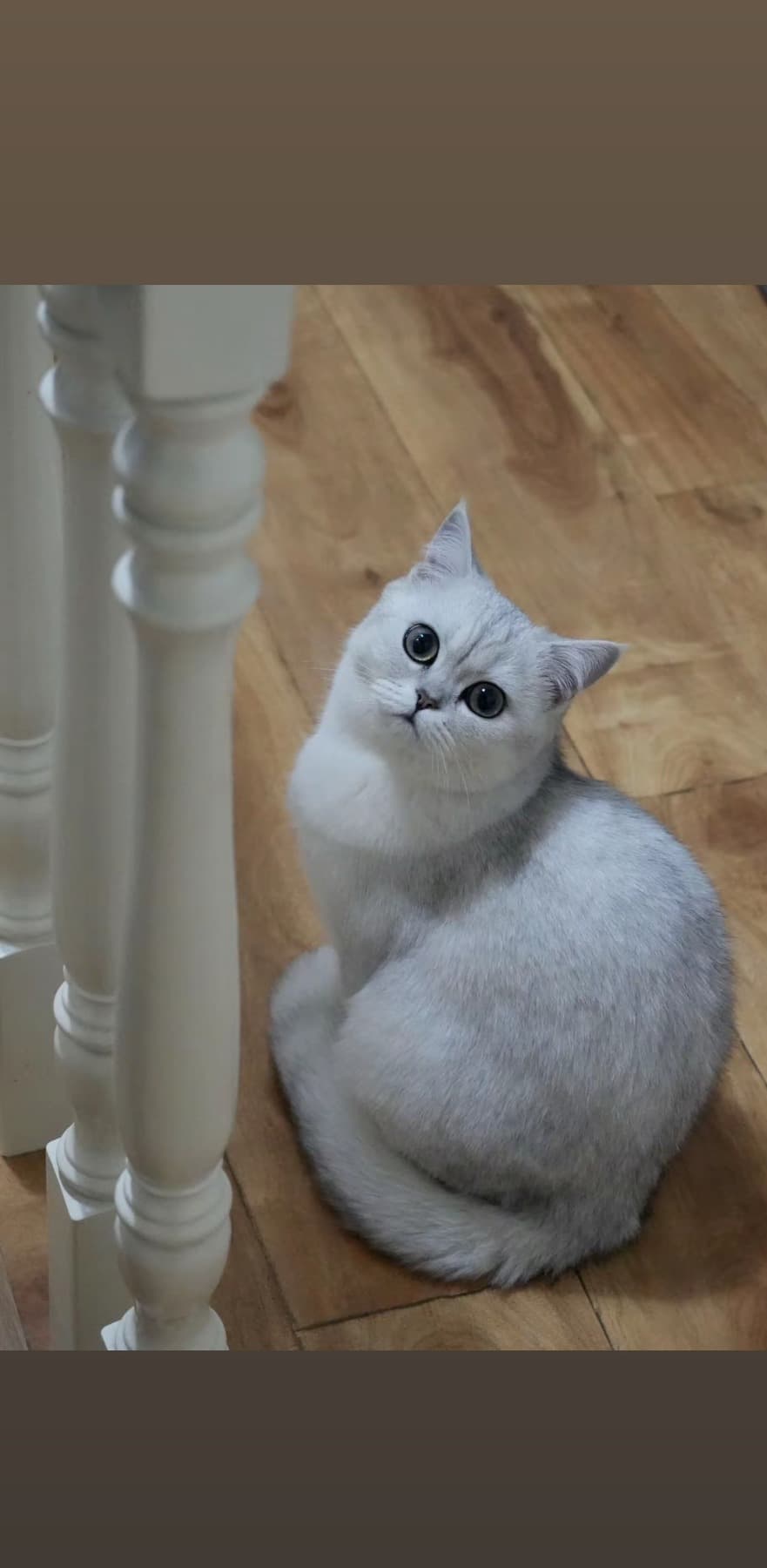
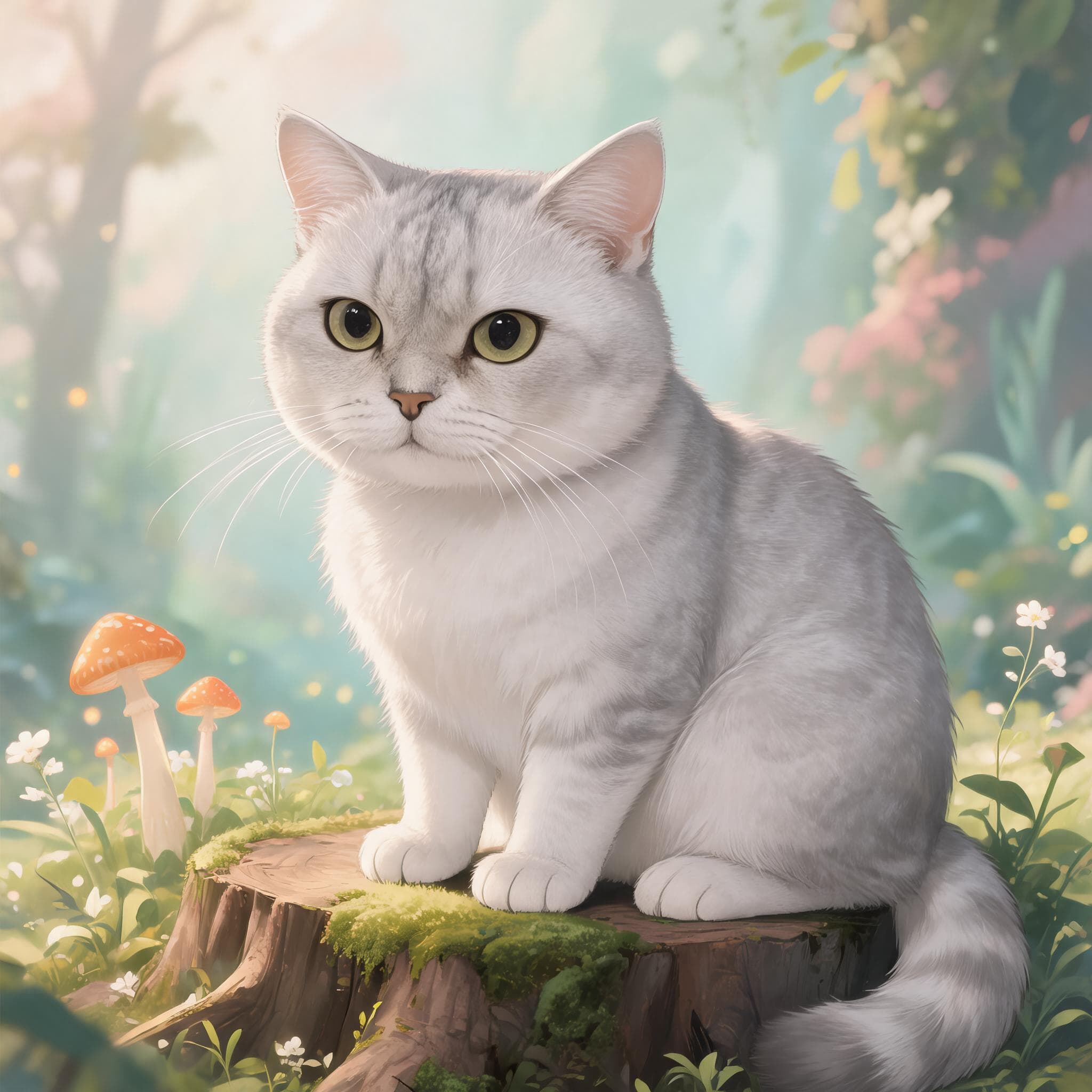
Create polished pet avatars for social profiles, lock screens, group chats, and announcement posts.
Turn a favorite dog or cat photo into a personal gift idea for birthdays, holidays, and new pet parents.
Save a favorite expression as a soft portrait, wall print concept, phone wallpaper, or memory album image.
Front-facing photos with clear eyes, coat color, and body shape usually give the strongest results.
Pick from studio, birthday, garden, royal, fantasy, cafe, and character-style templates.
Free runs create preview images. Paid credit packs unlock more images per run and watermark-free downloads.
An AI pet portrait generator is not a filter. It is a system that anchors a generated image on your uploaded pet photo so the new portrait still looks like your dog or cat. The face, eye color, coat pattern, and signature expression stay close to the original, while the background, outfit, lighting, and mood change to match a chosen template. That is the difference between a novelty effect and a portrait set you can actually print, frame, or send as a gift. Petpaw Portrait emphasizes this reference-image approach so the strongest part of the result, the pet's own identity, is preserved even when the scene is dramatic.
The strongest portraits are tied to a specific use. Wall prints reward classic studio, royal, or museum-style templates with calm backgrounds and timeless color. Birthday cards benefit from cake, balloon, or confetti scenes when the palette stays controlled. Social posts allow more drama, including cinematic, fantasy, or fashion templates, because the image is consumed on small screens at a glance. Profile pictures usually look best with soft studio backgrounds and tight crops on the face. Memorial keepsakes deserve neutral light, simple composition, and minimal symbolic decoration. Picking the style before you generate keeps each test deliberate and makes the final choice easier.
It is a tool that uses your pet photos as references and creates new portrait-style images in selected themes, such as studio, garden, birthday, royal, or fantasy looks.
Yes. Petpaw Portrait is built mainly for dogs and cats, with templates designed around recognizable faces, coat colors, and pet-owner use cases.
No. Upload your pet photos, choose a style template, and generate. The template handles the creative direction for you.
Most previews finish in under a minute. Higher resolution 4K renders or batches with multiple variants may take a few minutes during peak hours.
Yes. New accounts receive starter credits that cover 2K watermarked previews. Paid credit packs unlock watermark-free 4K downloads and additional template runs.
Front-facing photos with even lighting, visible eyes, and an unobstructed face usually produce the strongest results. Avoid heavy backlight, motion blur, and faces partly hidden by harnesses or hands.
Uploaded photos are used only to run the generation request you submit and to keep your history available in your account. They are not sold, shared with third parties for marketing, or used to train public models.
Personal use, gifts, prints, social posts, and small-batch merch are covered. For larger commercial usage, contact support so we can review the case.
Upload 1 to 3 dog or cat photos, choose a portrait style, and generate a custom pet portrait set.
PETPAW